

Reference

xe66c App — Your Lobby on Any Device

xe66c runs in your mobile browser without needing a separate download — open the site, sign in, and the full lobby loads on your screen.

mobile browser accessaccount wallet on the godevice availability checkno forced app-store steplobby loads on sign-in
xe66c xe66c App — Your Lobby on Any Device
xe66c Mobile Access in 3 Simple Steps

Mobile Access in 3 Simple Steps

There is no mandatory app-store download to start. Your browser handles the full session — here is how to get in cleanly on a phone or tablet. Make sure you are visiting xe66c directly; bookmark it so you do not land on an unofficial mirror. If the platform does release a native Android build or iOS version, the download link will appear

inside your account dashboard under the mobile section — not through third-party stores. Always verify the source before running any file.

  • Open the current site — Go to xe66c in your mobile browser — Chrome on Android and Safari on iOS both work well. Tap the address bar, type the domain and load the homepage.
  • Check browser compatibility — If the lobby does not display correctly, switch to a different browser or clear cached data. The site works on current versions of Chrome, Firefox and Safari without plugins.
  • Sign in securely — Enter your account credentials or use biometric login if you have set it up. The lobby and your account wallet load on the same screen after authentication.
  • Verify official app availability — Check your account dashboard under the mobile section to see whether a native build is currently offered in your region — do not download files from unofficial sources.
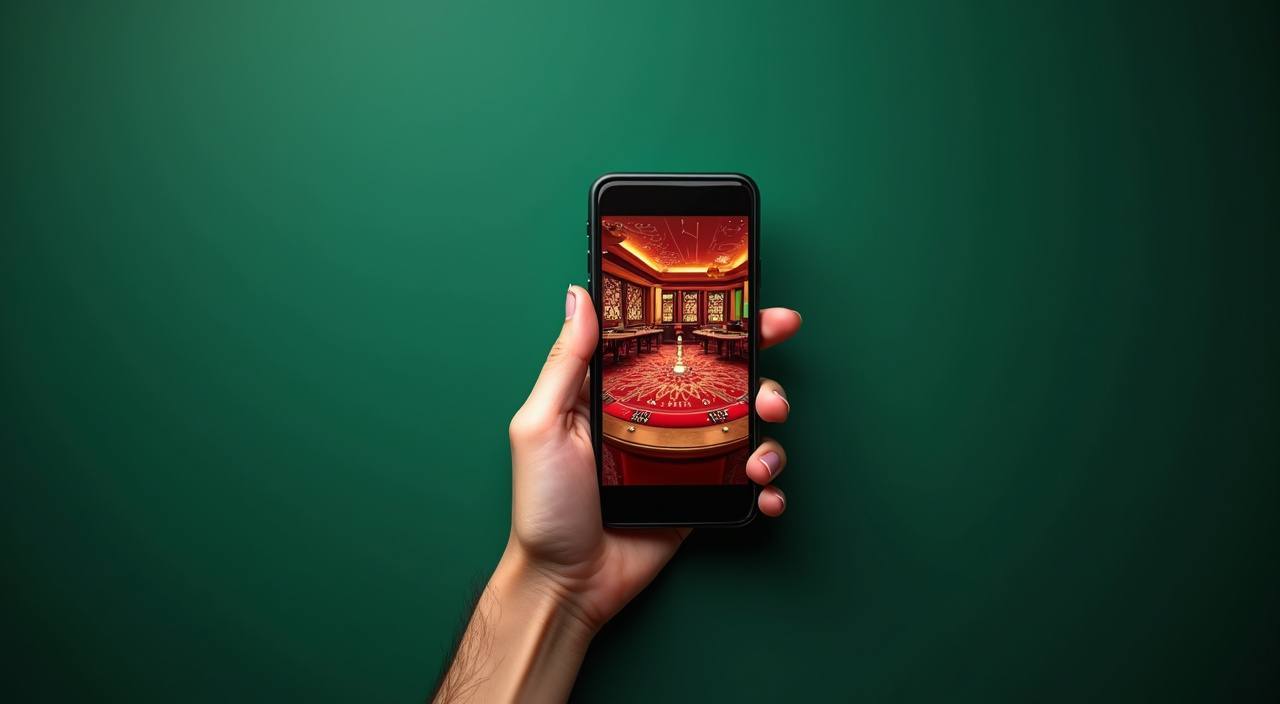
DEVICE COMPATIBILITY CHECK

What Devices Work With xe66c

The mobile lobby is designed to adapt to different screen sizes and operating systems without requiring you to check a spec sheet. That said, a few account and browser conditions affect how well it performs on your specific device.

Method Payout time Speed
Browser Access Current versions of Chrome, Safari and Firefox support the full lobby. Older browser builds may not render live table streams correctly — update your browser if video stutters. Fast
Screen Layout Portrait and landscape orientations are both supported. Live casino tables display better in landscape; slot rooms are comfortable in portrait, especially on smaller screens. Fast
Account Requirements You need a verified xe66c account to access game rooms on mobile. Account setup is the same on phone as on desktop — email, password and wallet verification via bKash, Nagad or Rocket. Medium
Supported Device Check To confirm your specific device is currently supported, visit xe66c on that device and attempt a lobby load. The page either renders fully or displays a compatibility notice. Medium
Connection Quality Live dealer streams need a stable mobile data or Wi-Fi connection. On a weak signal, switch to slot rooms like Crash Dice Roller or Blackjack Topplay which load on lower bandwidth. Slow
APP FEATURE HIGHLIGHTS

Four Features That Change How You Play

The mobile experience is shaped around speed and account control. These four features are the ones we hear about most from players in Dhaka and elsewhere who switch from desktop to phone.

Biometric Login Fingerprint or face unlock replaces your password on compatible Android and iOS devices — account access in seconds, no typing required during each session.
Push Notifications Opt-in alerts land on your lock screen when a promo activates or a live table slot becomes available, so you never have to keep the browser tab open.
Dark Mode Display The lobby shifts to a dark interface automatically in low-light conditions, reducing eye strain during late-night sessions without you adjusting any setting manually.
Offline Lobby Preview Browse game tiles and check live table schedules even when your connection drops briefly — the cached lobby preview keeps you oriented until signal returns.
xe66c Slots, Live Tables and Crash Games in Your Hand

Slots, Live Tables and Crash Games in Your Hand

Once you are signed in on mobile, the lobby gives you direct routes to slot rooms including Gates of Olympus and Mahjong Ways, live baccarat and Dragon Tiger tables streamed by Evolution, plus crash titles like Crash Blitz and Aviator. Quick deposit shortcuts let you move funds without leaving the game screen. Push alerts notify you when a table seat opens or

a slot feature round starts. Fingerprint login means you skip typing your password each session — your account opens in under three seconds on a compatible device.

Common Questions About the xe66c App

These are the questions we see most from people trying to get the mobile experience right from day one.

Access is currently available through your mobile browser at xe66c. If a native app build becomes available, the download link will appear inside your account dashboard under the mobile section.

Yes — live tables from Evolution including Dragon Tiger and Baccarat, plus slot rooms like Gates of Olympus and Crash Blitz, are all accessible from the mobile browser lobby after signing in.

Your wallet options — bKash, Nagad and Rocket — are available in the account deposit section on mobile. Open your preferred wallet app, send to the number shown and confirm with your PIN.

After signing in once with your password, go to account settings and look for the biometric login toggle. Compatible Android and iOS devices will prompt you to register your fingerprint or face ID.

Clear your browser cache and try again on a current version of Chrome or Safari. If live table video stutters, check your connection strength or switch to a lower-bandwidth game room.

Access depends on your local law and eligible region. We recommend checking xe66c directly to confirm whether the lobby is currently available where you are located.
Reference

xe66c App

Service availability depends on eligible regions and local law. Users should check local rules before opening an account.

Access may be available only where local law permits.